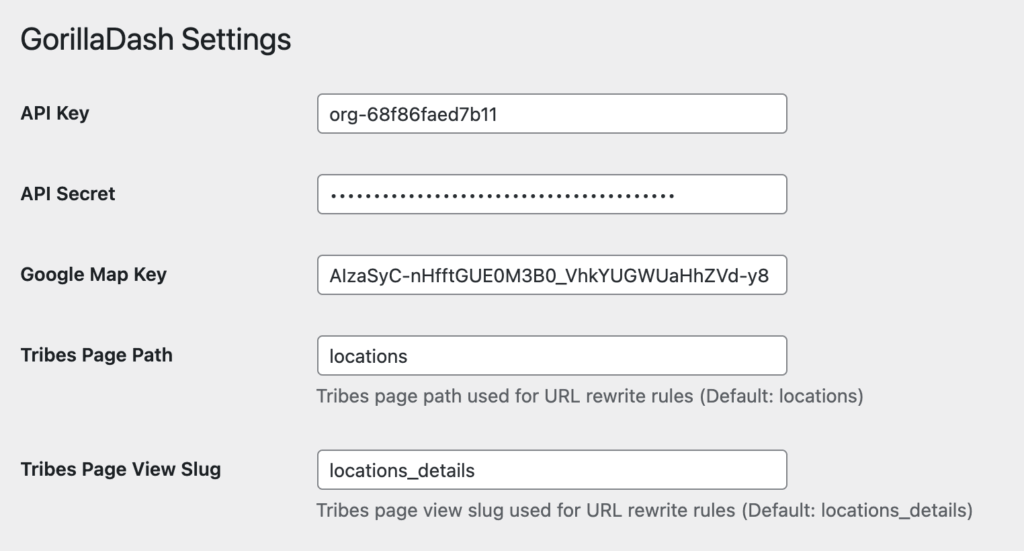
An API Key can be obtained from the Google Maps management console. It is mainly used for displaying and integrating Google Maps–related search and display features within the Gorilla Dash plugin.
Tribes Page Path
Tribes Page View Slug
Used for branch search with WordPress rewrite rules, allowing custom path names. Tribes Page Path is used for the first-level search page path of the Tribe, and Tribes Page View Slug is used for the second-level path of the Tribe detail page.
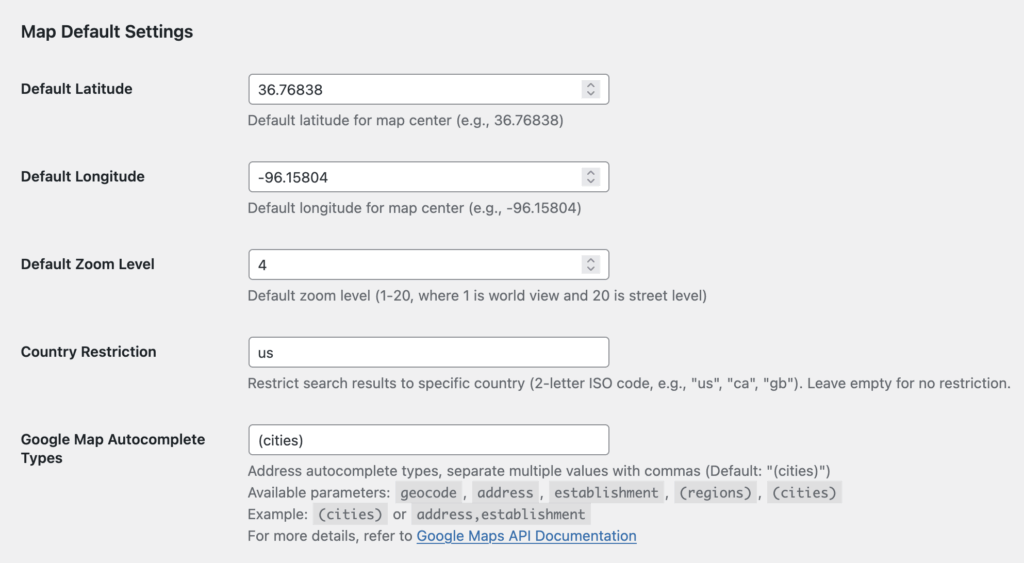
Map Default Settings
Default Latitude & Longitude
Default Zoom Level
The above are all used to initialize the default parameters of Google Maps.
Country Restriction
Used for language restriction settings of search results in the “Gorilla Dash Store Locator”.
Google Map Autocomplete Types
Used for configuring the address autocomplete display format in the “Gorilla Dash Store Locator”. Refer to the Google Maps API documentation for more details.
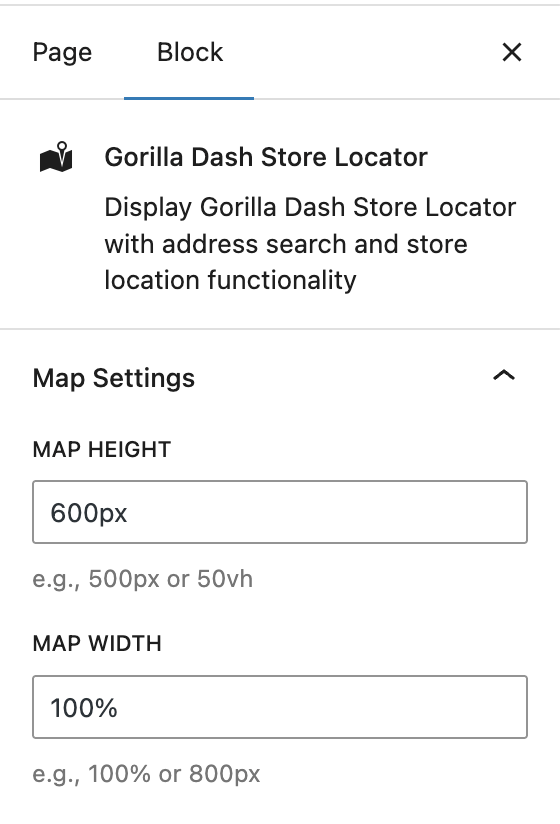
Gorilla Dash Store Locator
Map Height & Width
Used for the plugin’s width and height parameters.
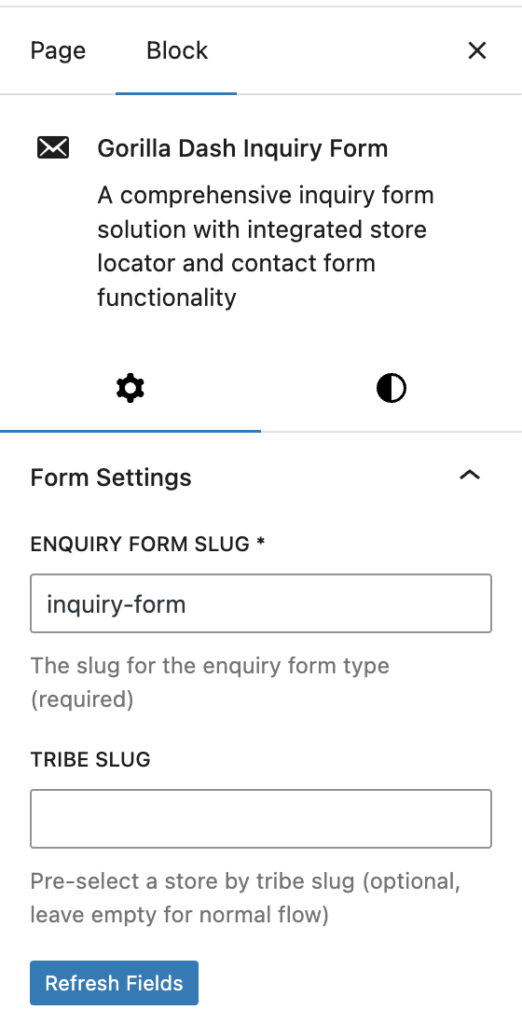
Gorilla Dash Store Map
Tribe Slug
Used for setting the default store.
Map Height & Width
Used for the plugin’s width and height parameters.